Using X-ray
X-ray lays the atlas anatomy over a real person in your phone camera. It is a separate add-on: you buy it once, and it works while your Nursing Plan subscription is active. It opens from Atlas → X-ray.
Not a real X-ray
No radiation and no imaging. The camera finds joints, and a standard adult model is fitted to them. It shows where structures usually sit — not injuries, implants or anything inside a real person. Never use it for clinical decisions.
What you can point it at
- A person, full-length or waist-up — the whole skeleton, muscles and organs.
- Your own hand — the bones of the hand, close up.
- A face — skull, jaw and neck. The front camera works for this.
Auto mode decides on its own. The pill at the top of the camera screen lets you choose Body, Hand or Face if Auto keeps picking the wrong one.
The first launch
The first time, X-ray downloads the recognition models and the 3D anatomy — about 40 MB — and shows a progress screen while it does. Wi-Fi is the better choice. The files stay on your device, so after that X-ray opens in seconds. If your phone runs low on space it may clear them, and then they download once more.
Your video stays on your phone
Recognition runs on the device. Nothing is uploaded — a photo or video is saved only when you take one yourself. Ask before you point the camera at someone else.
Controls on the camera screen
- X-ray and Anatomy at the bottom switch between two looks at the same body.
- The round button takes a photo when tapped and records a video while held.
- The lock keeps the scan on while you move the phone; without it a sharp movement turns the scan off.
Step by step
1 / 6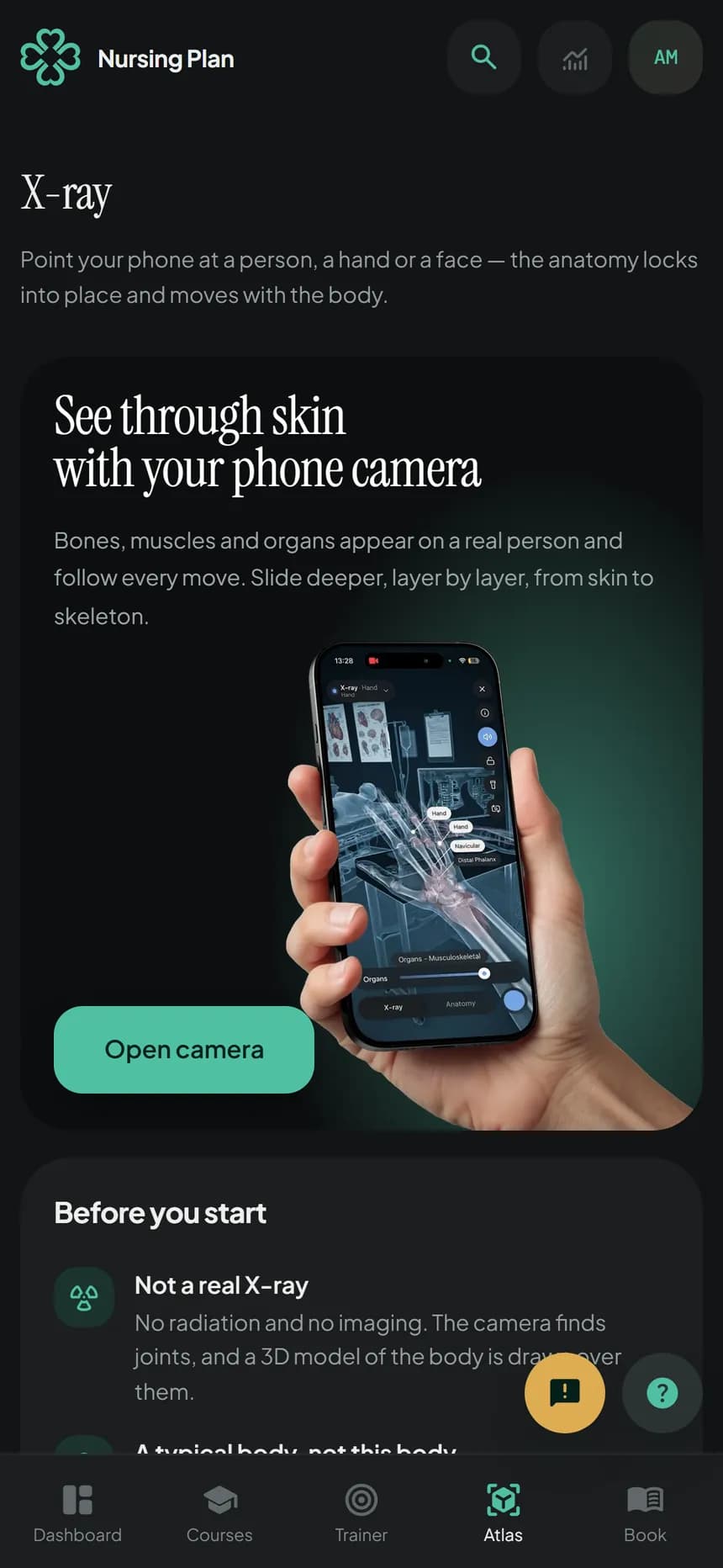
Open Atlas → X-ray, read the notes and tap Open camera. Allow the camera when the browser asks.
The first time, wait for the download to finish. It happens once.
Point the camera at a person, your hand or a face. Hold still for a second, or tap the screen, and the scan starts.
Slide the depth bar to go from skin to muscles, organs and skeleton.
Auto finds a body, hand or face itself. If it picks the wrong one, tap the pill at the top and choose.
Tap the i button any time for a reminder of what X-ray is and how the controls work.
If the camera does not start, check that the browser is allowed to use it — on iPhone in Settings → Safari → Camera, on Android in the site settings of Chrome. A computer without a webcam cannot run X-ray; open it on your phone.
Still stuck?
Write to us with what you were doing and what happened. One working day, answered by a person.