Setting your exam date
The exam date drives the countdown on the dashboard and the order the study plan suggests topics in. It takes a moment to set and can be changed as often as you need.
Until a date is set, the dashboard has nothing to count towards and the plan spreads the course evenly. Once it knows the date, it works backwards from it.
Changing the date takes effect immediately — the countdown and the plan both follow it on the next screen you open. Nothing you have already completed is lost.
Where to set it
1 / 3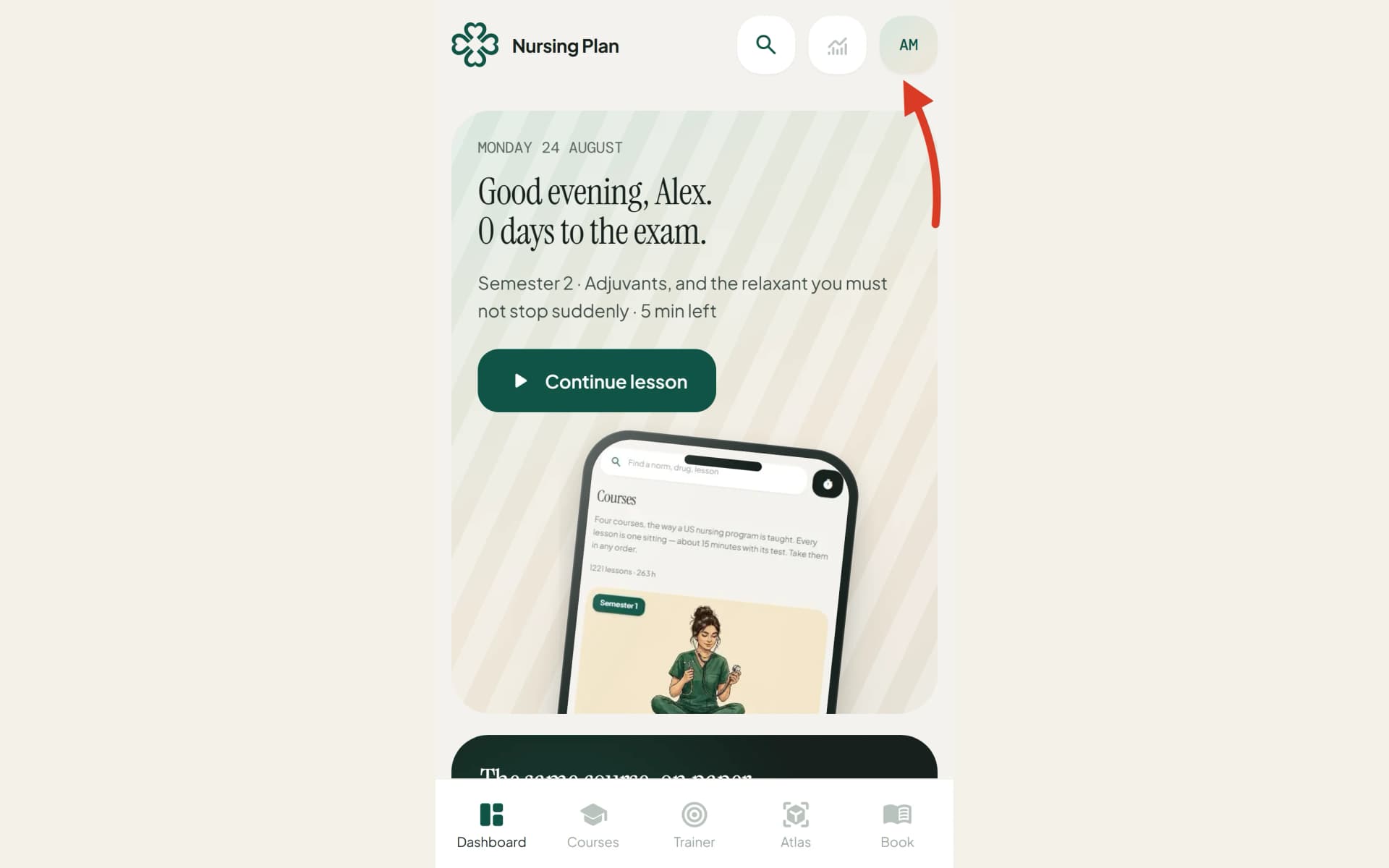
1
Open Settings — your initials at the top right on a phone, the card at the foot of the sidebar on a wide screen.
2
Find the Personal details card.
3
Set Exam date and save.
Still stuck?
Write to us with what you were doing and what happened. One working day, answered by a person.