I cannot sign in
Almost every failed sign-in is one of three things: the wrong email, a password you chose somewhere else, or a reset link that has expired. Here is how to tell them apart.
Access is tied to the email your purchase was made with. That is the address the welcome letter went to, and the only one the app knows about — signing in with a different address of yours will not find the account, even if both belong to you.
The password is the one from the welcome letter
The letter contains a password we generated. If you have never changed it, that is the one to use — not a password you chose on another site. If the letter is gone, do not hunt for it: ask for a reset link instead.
Reset links expire
A reset link arrives within a minute and works for seven days. Request a fresh one rather than reusing an old letter — an expired link looks identical to a working one until you click it.
If the address itself is wrong
Write to support. We can see which email the purchase sits on and move the account to the address you actually read — that is a change we make, not one you can make from inside the app.
Resetting your password
1 / 5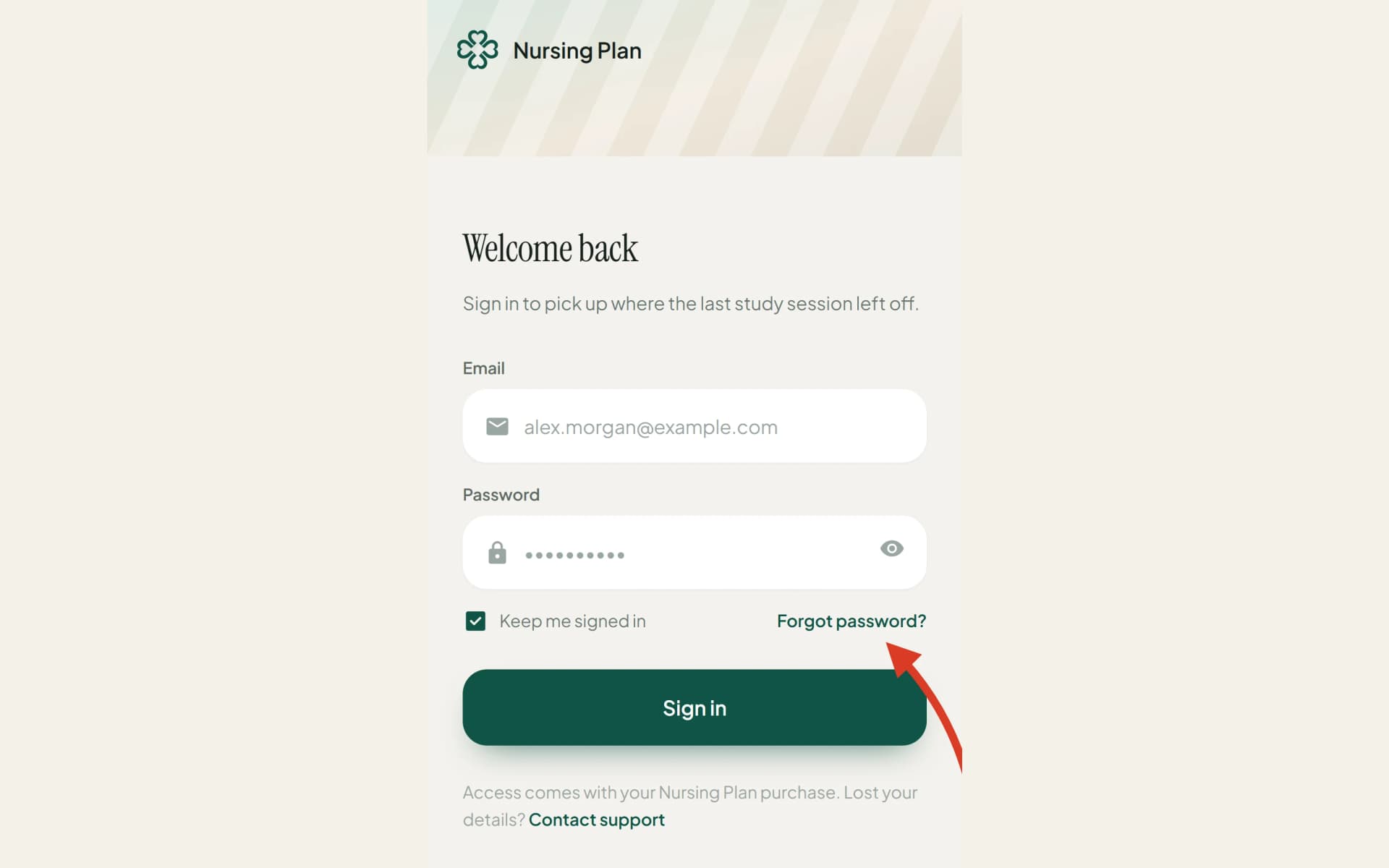
Open the sign-in screen and choose “Forgot password”.
Enter the email you bought the course with.
Open the letter that arrives — within a minute, check spam if not.
Follow the link and set a password you will remember.
Sign in with the new password. The link is now spent.
Still refused after a successful reset? That usually means two accounts — one per address. Write to support with both, and we will merge them onto the one your purchase is on.
Still stuck?
Write to us with what you were doing and what happened. One working day, answered by a person.