Changing your password
We send a reset link rather than asking for the old password, so the new one never travels through the app.
The link goes to the address on your account and works for seven days. Asking for another one invalidates the first — if two letters arrive, use the newer.
You stay signed in on this device while you do it. Other devices keep their sessions too; changing a password does not sign them out.
Sending yourself a link
1 / 3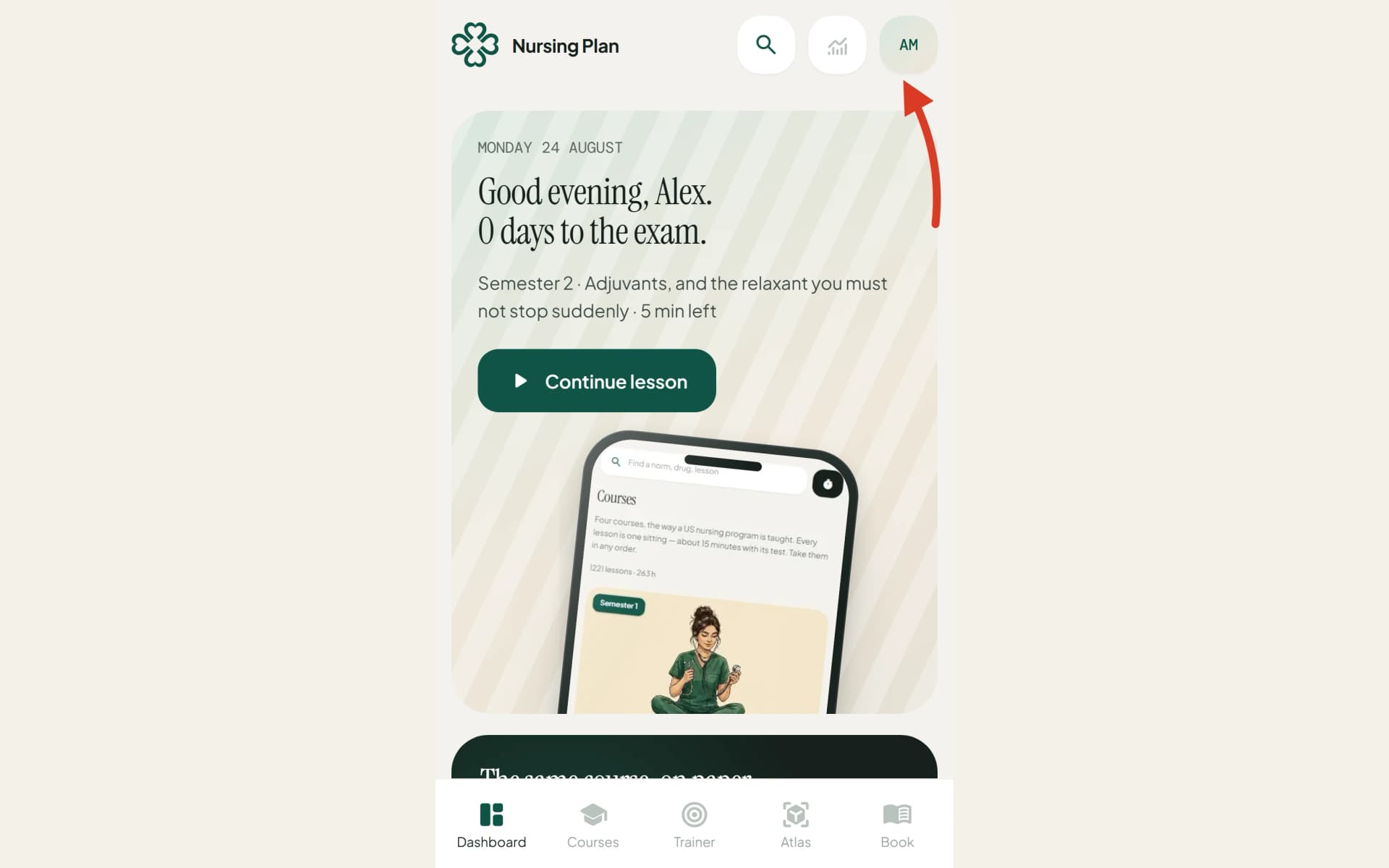
1
Open Settings — your initials at the top right on a phone, the card at the foot of the sidebar on a wide screen.
2
Find the Password card and choose “Email me a reset link”.
3
Open the letter that arrives and set the new password.
Still stuck?
Write to us with what you were doing and what happened. One working day, answered by a person.